Paste It!
Clipboard history that stays on your Mac.
Free, open-source clipboard manager for macOS
Local Mac clipboard history with OCR search for text, images, links, and files. Free and open source under MIT.
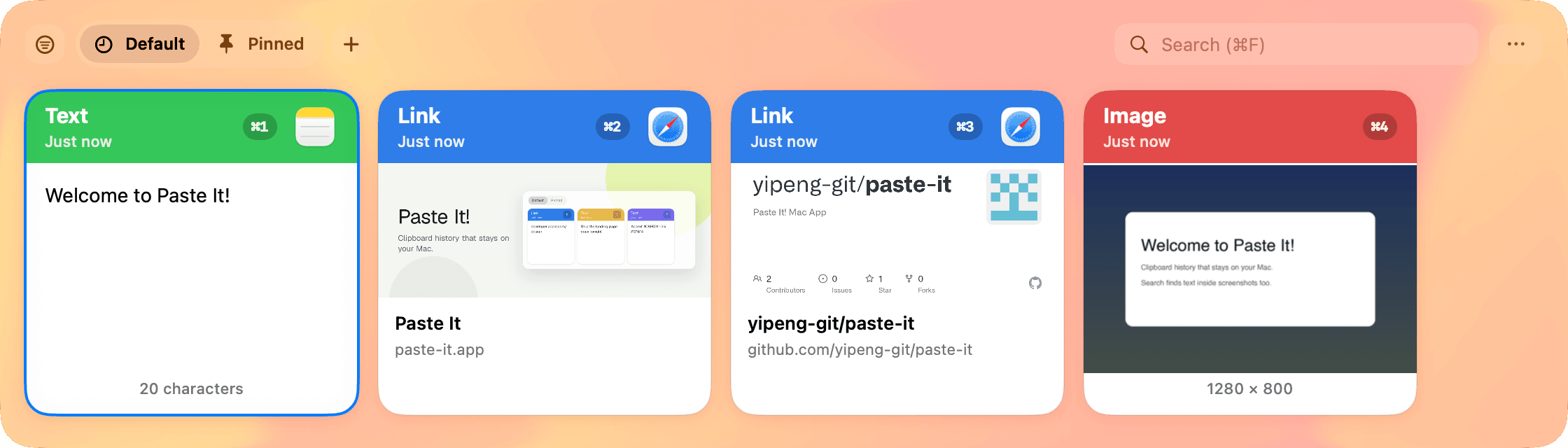
Revisit what you copied
Search local clipboard history for text, rich text, images, files, and links. Set retention and storage limits to suit your Mac.
How to view clipboard history on MacHow to paste without formattingCompare free Mac clipboard managers
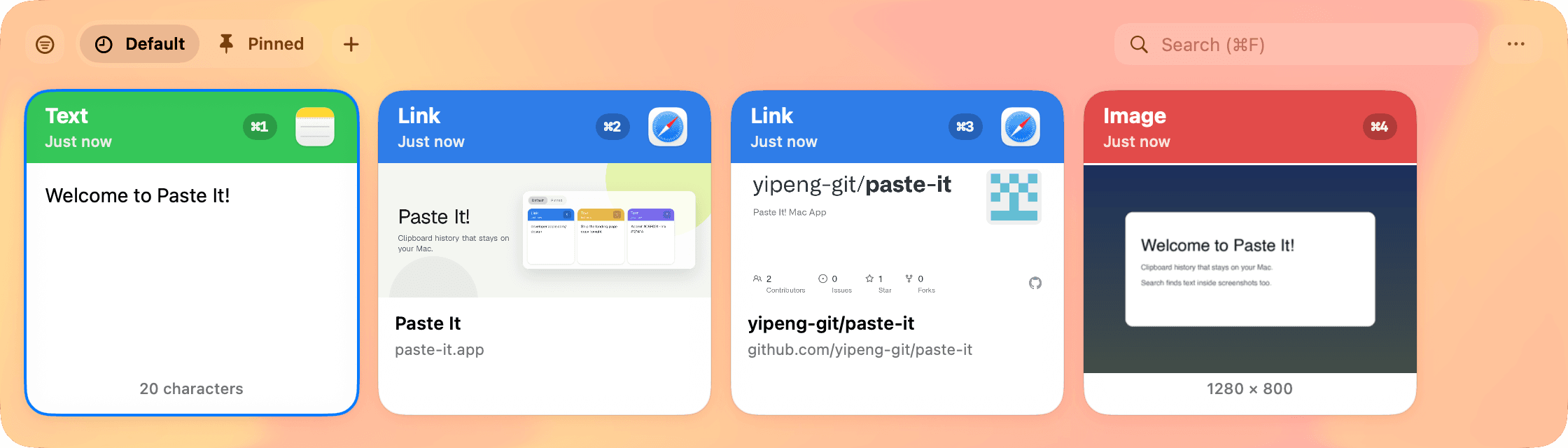
Search the text in your screenshots
Find copied images by the words recognized with OCR, alongside text and links in your history.
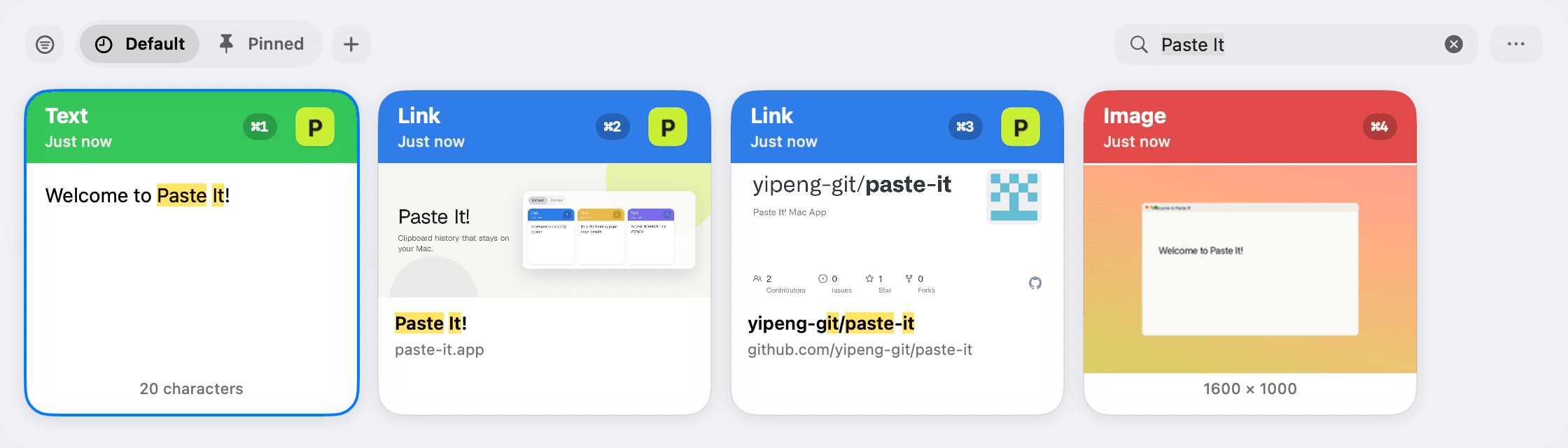
Filter by type in one chip
Show only text, numbers, links, images, or files. The filter sticks when you reopen the panel — clear it anytime.
Pinboards & Paste Stack
Keep reusable clips in Pinned and up to three custom folders. Collect a Paste Stack and paste its items in the order you choose.
Private by design
Clipboard history stays on your Mac without iCloud sync. Pause capture, ignore sensitive apps, and choose how long to keep your history.
While paused, copied content is left untouched and never written to local history.
Ready to upgrade your clipboard?
Clipboard history and OCR search for macOS. Free and open source under MIT, for personal and commercial use.
Frequently asked questions
Is Paste It! free and open source?
Yes. Paste It! is free and open source under the MIT license, for personal and commercial use. There is no account and no subscription.
Which Macs and macOS versions does it support?
Paste It! requires macOS 14 or later. Signed and notarized builds are available for Apple Silicon and for Universal (Intel and Apple Silicon).
Does my clipboard history leave my Mac?
No. Clipboard history stays on your Mac. Paste It! does not sync that history through iCloud. You can pause capture, ignore sensitive apps, and choose how long to keep history.
How do I open clipboard history?
Press Shift + Command + V (⇧⌘V) to open the clipboard history panel.
How is Paste It! different from Maccy, Paste, or macOS Tahoe's built-in clipboard history?
Paste It! is free and open source under MIT, with no account and no subscription. Clipboard history stays on your Mac, without iCloud sync. It adds OCR search for text inside screenshots, pinboards, Paste Stack, and optional local MCP access, and it runs on macOS 14 or later. macOS Tahoe includes clipboard history in Spotlight.
Maccy comparisonPaste comparisonmacOS Tahoe clipboard history