Mac Clipboard Manager Features: History, OCR Search & Paste Stack
Powerful features, private by default
Search clipboard history and screenshot text, filter by type, organize pinboards, and build a Paste Stack. History stays on your Mac. Free and open source under MIT.
Searchable local clipboard history
Save text, rich text, HTML, images, file URLs, and links while capture is active. Choose your retention period and storage limits, and exclude apps you do not want to capture.
How to view clipboard historyCompare free clipboard managers
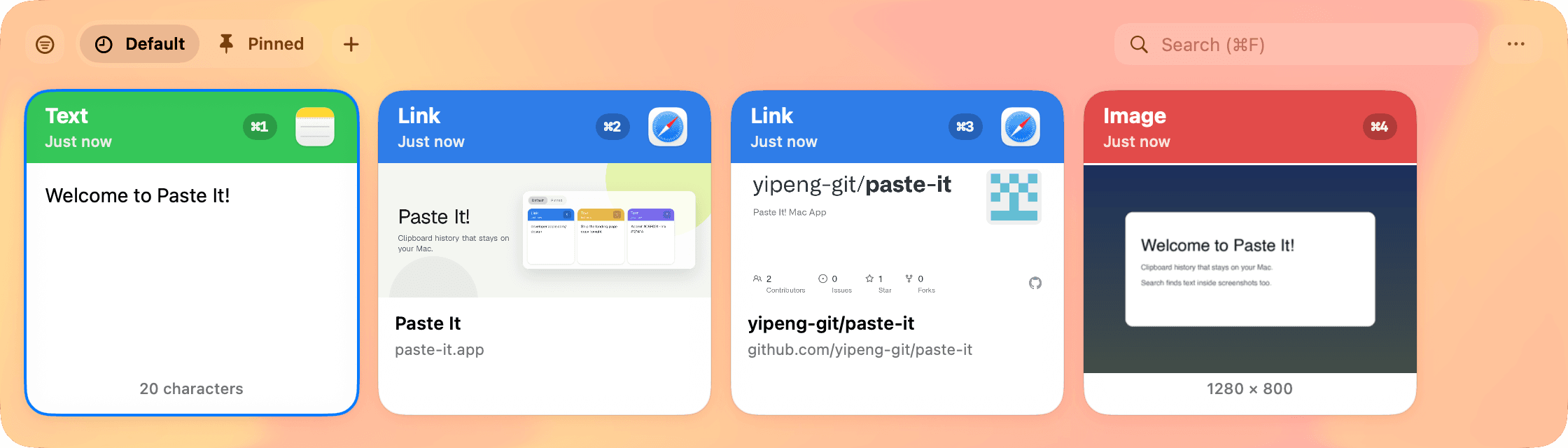
OCR search that sees images too
Type to filter by content or source app. Search recognized text in copied screenshots and images using Apple's Vision OCR.
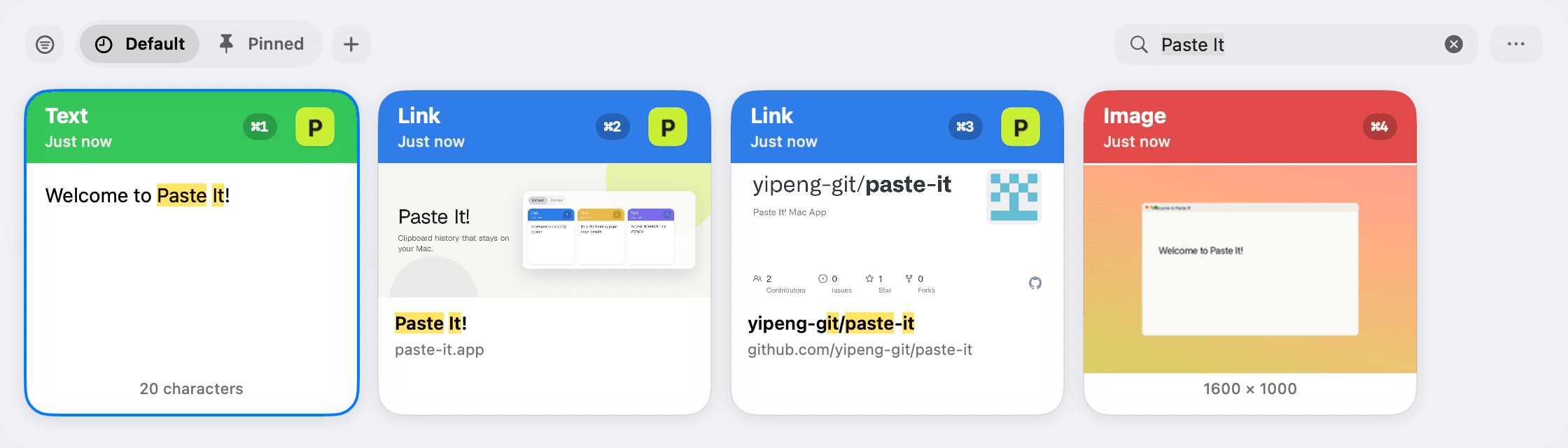
Type filters in one chip
Show only text, numbers, links, images, or files. One chip control stays on when you reopen the panel — clear it anytime.
Spotlight-style floating panel
Open with Shift + Command + V. Select a card and press Command + C to copy it, or use Return for the configured primary action: Direct Paste by default, or Copy Only. Direct Paste requires Accessibility permission. Copy as Plain Text removes formatting from a saved item.
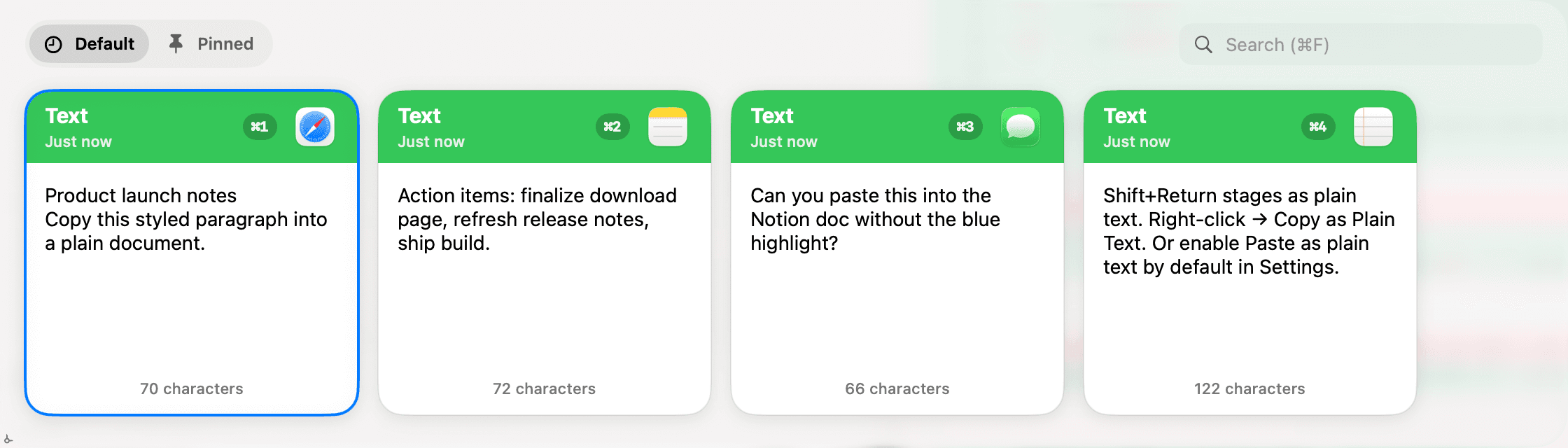
Pinboards that stick
Keep reusable snippets and templates in Pinned and up to three custom folders. Group clips for the work you return to each day.
Paste Stack
Collect multiple clips with Shift + Command + C, reorder them, and prepare sequential pastes — perfect for forms, snippets, and multi-step workflows.
Privacy controls that matter
Pause capture, ignore password managers and other sensitive apps, set retention rules, and prune storage when you want a clean slate.
While paused, copied content is left untouched and never written to local history.
Clipboard history for Claude, Cursor & Codex (MCP)
Enable MCP from the menu bar to let a compatible client on your Mac browse and search saved history, including OCR text. History tools do not edit or delete saved clips. A separate screenshot tool renders an app preview and writes a PNG; the setup guide explains tool permissions and client configuration.